
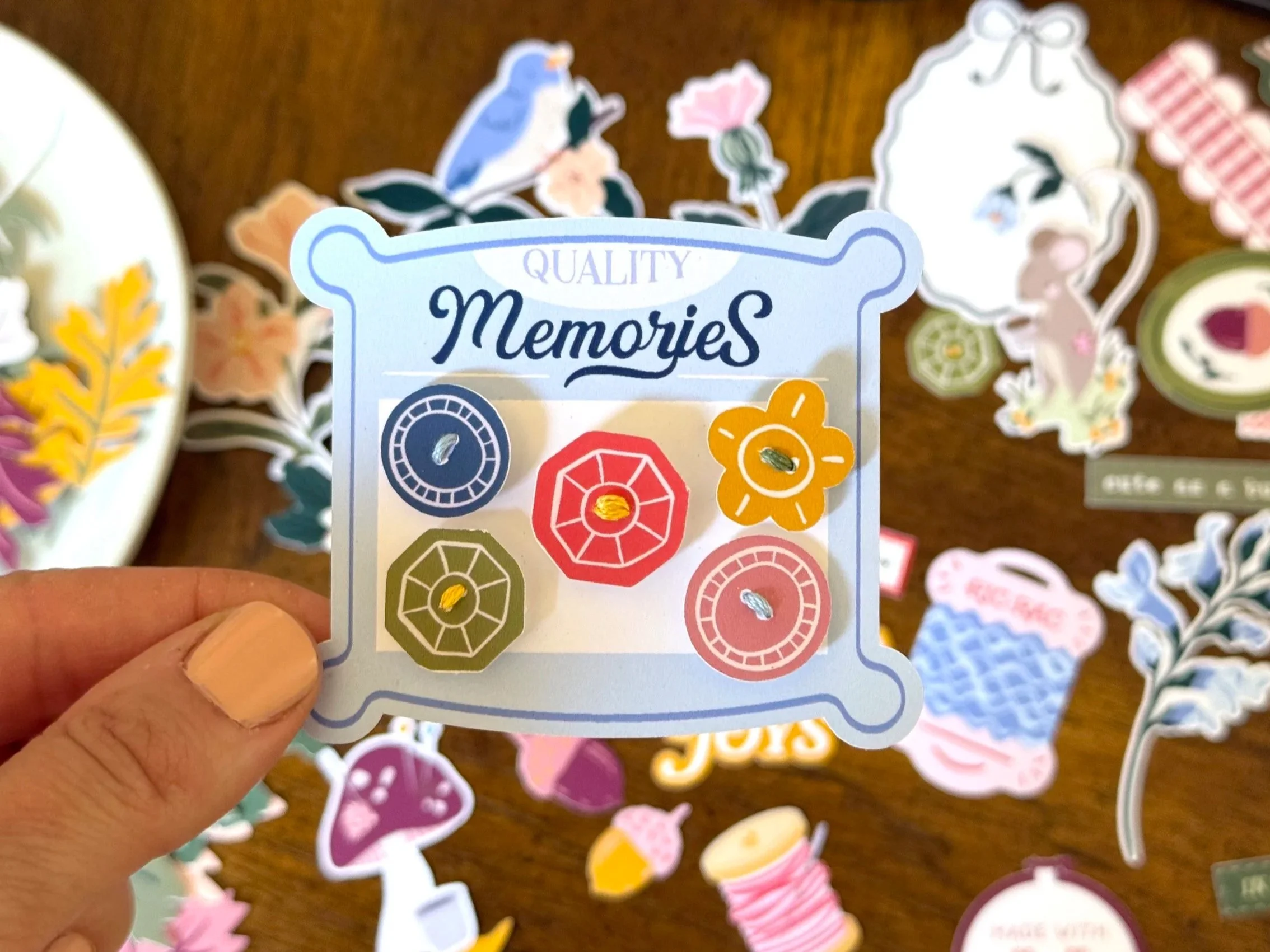
If I’m being honest, I used to struggle with digital memory keeping products. I had a lot of experience with creating product for manufacturing in the paper crafting industry, but was never quite happy with the quality of at home prints, the extra steps it took for me to create scrapbooking layouts at home, and the cost of paper and ink always held me back. Luckily, the quality, cost, and ease of printing at home has come a long way in the last ten plus years and now it’s become my primary way of memory keeping.
Several years ago I was so frustrated with my at home printer. I had spent quite a bit of money on a printer that promised professional results but I was never really happy with it. When it finally broke I ran out to my local Sam’s warehouse and picked up an Epson eco tank on sale. I reasoned that at the very least it would suffice as a home printer that could do the job of printing kids homework affordably. I bought some of the manufacturer’s photo paper to see if it could tackle my photos and was shocked at the results. The prints were beautiful. Figuring this out was a total game changer for me and I’ve yet to be disappointed with my results.
The beauty of digital memory keeping products is the flexibility they provide- and the more savvy you are with a computer, the more options you have!
Don’t like the size of an item?
Need more than one design?
Wish the paper was a different color?
Need to change the scale of a design?
These are all possible with digital memory keeping products!
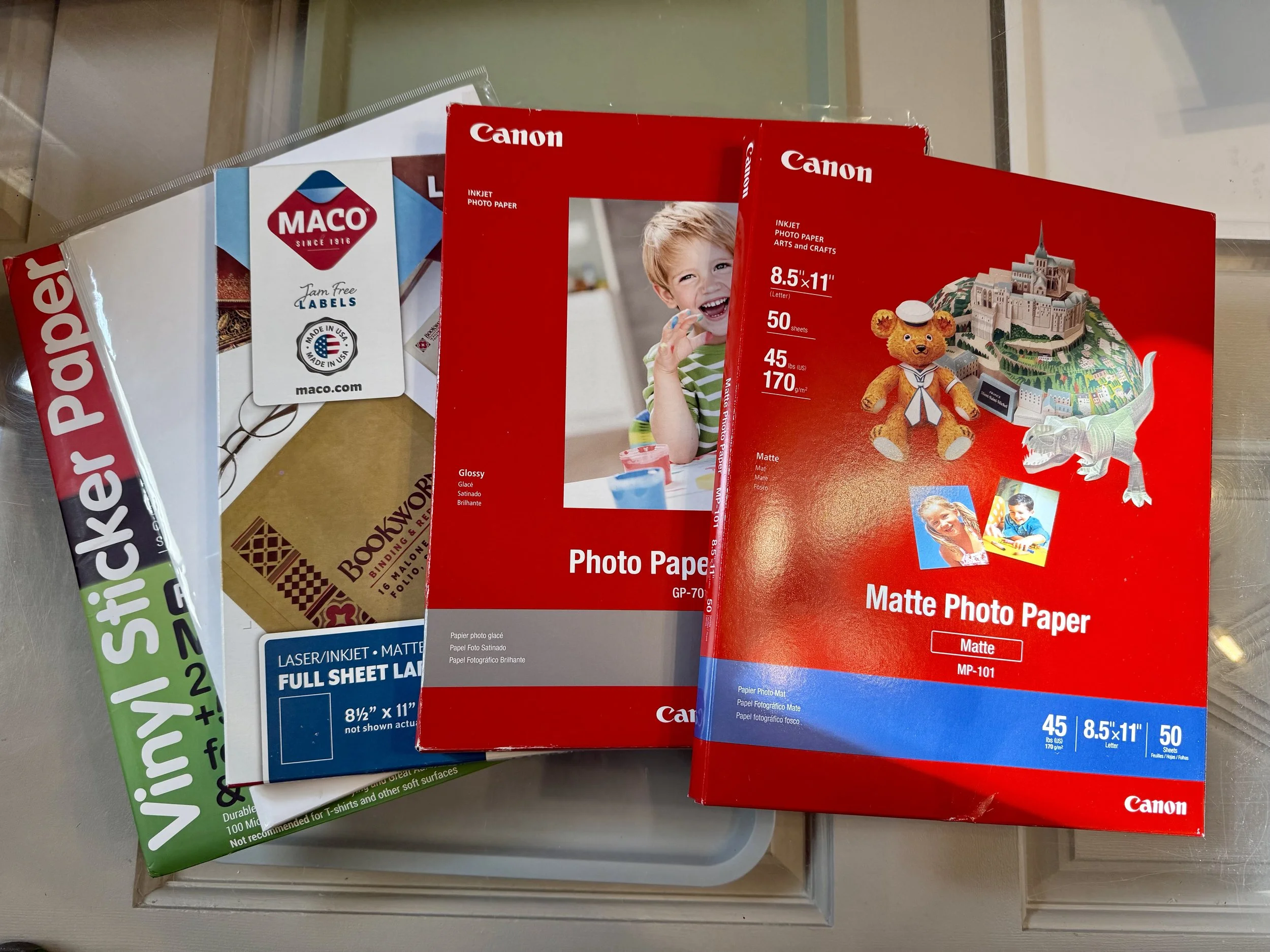
There are a few key tools I suggest for getting the best prints. I will go through them all but first I suggest you start with the smallest investment you can- paper. Having the correct paper is key. For years I would print on whatever printer paper or cardstock I could find at a local store. But printer companies manufacture many types of paper formulated to give users the optimal results. Trying out some of your printer manufacturers’s papers is the first step to getting beautiful prints that you will want to use. I suggest trying out your printer manufacturer’s brand first before using a knock-off or generic company. This way you will know what the manufacturer’s looks like and have a sort of guide to rate other brands going forward. I love and have great results using both Epson’s and Canon’s matte photo paper for my digital scrapbooking prints. It has a nice weight to it and produces crisp and bright images. Both of these brands work great with my Epson Eco-tank and I have great success with them cutting in my Silhouette Cameo. Here’s an Amazon list of supplies that I keep fully stocked and ready for memory keeping.
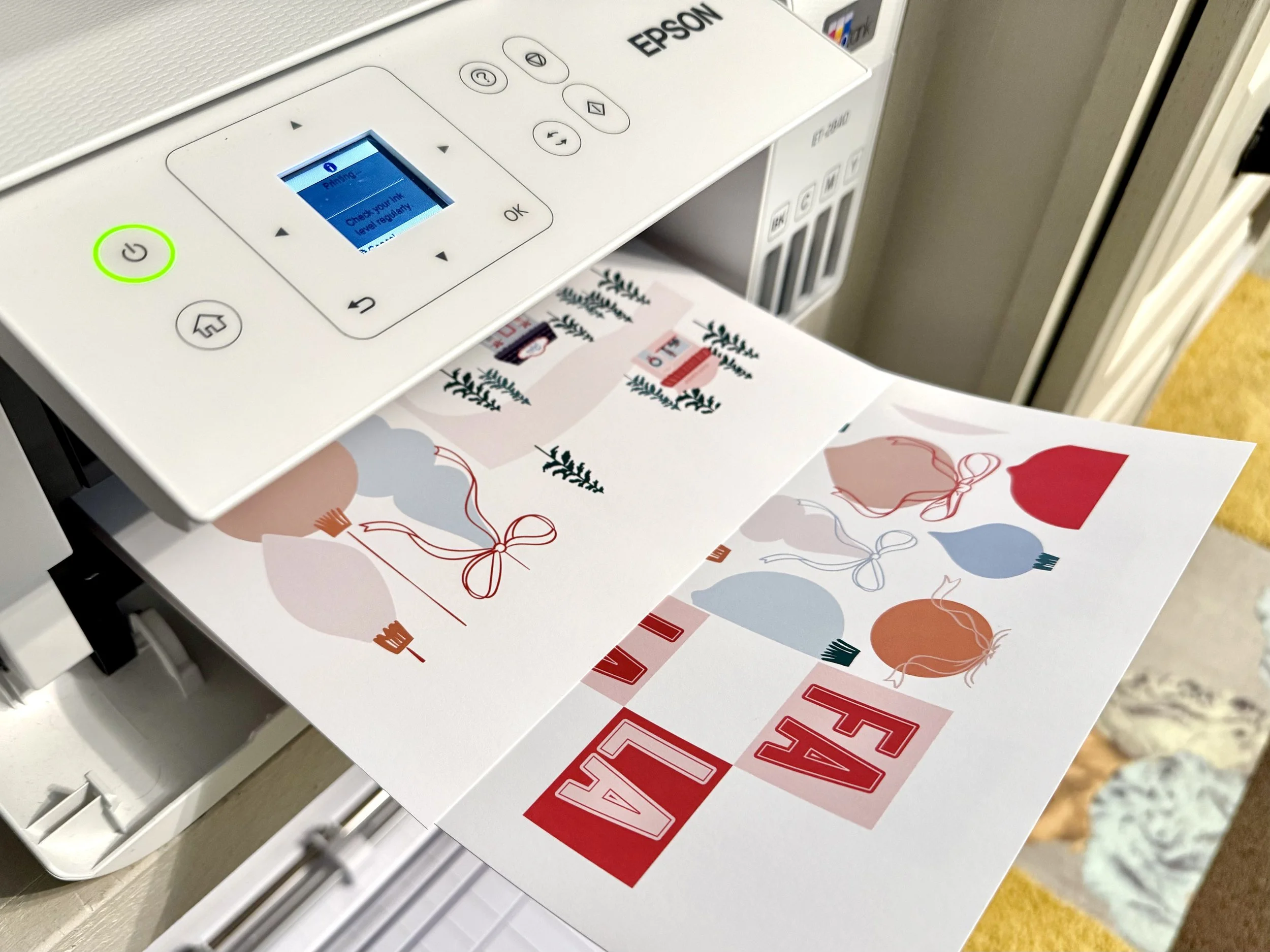
If you don’t have a printer, like I mentioned above, I have an Epson Eco-tank that even after three years I have yet to buy refill ink, even with it being our main home printer and all four of my kids using it. Although I have purchased generic inks for some of my home printers in the past, I choose to purchase the manufacturer brand ink for my printers that I use to print photos and artwork. This guarantees me the best results and I don’t end up wasting my paper and ink on prints I am unhappy with.
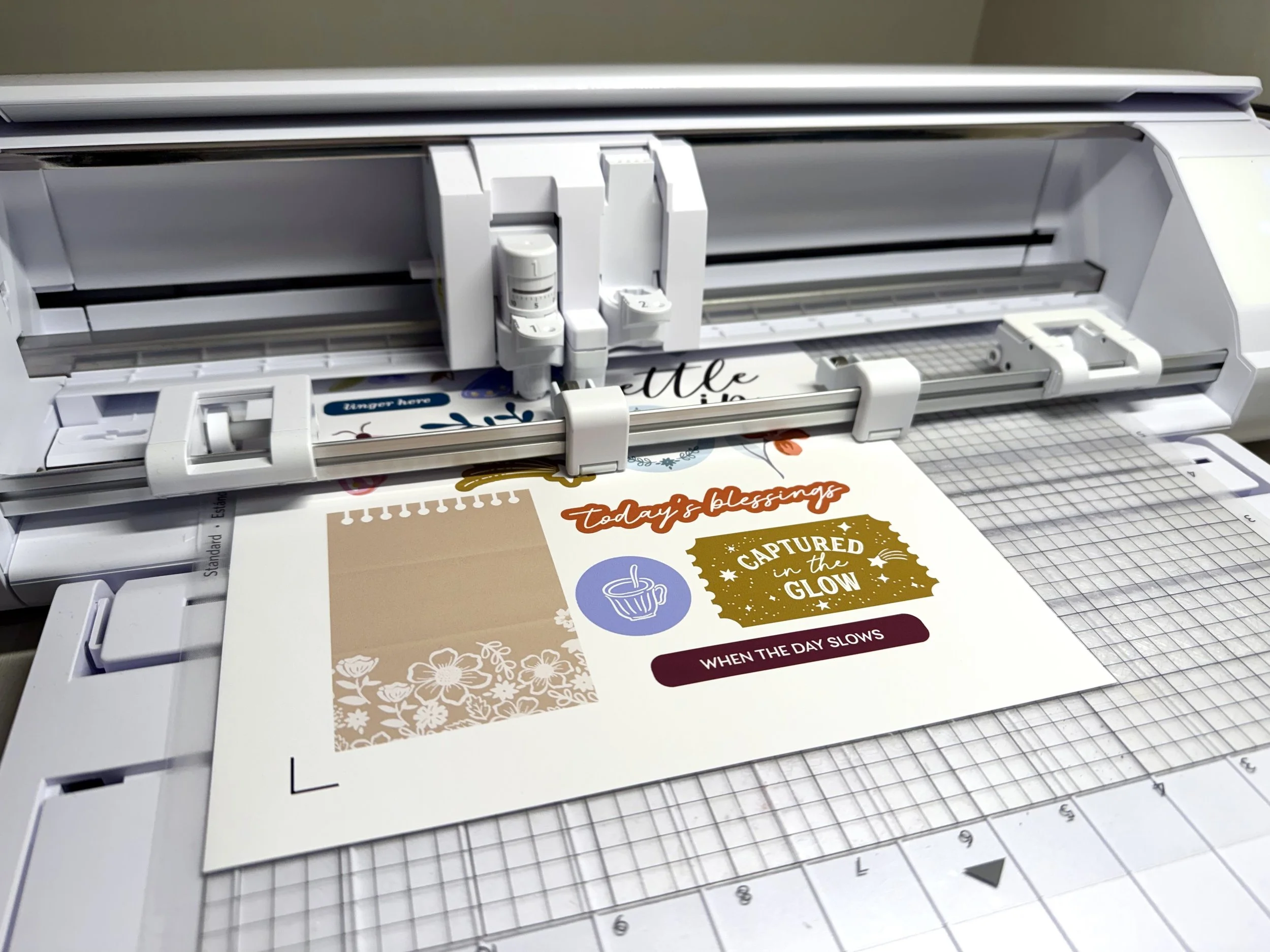
My other favorite tool is my Silhouette Cameo. Using the print and cut feature is one of my favorite ways to cut out all those gorgeous elements that make memory keeping fun! Watching the Cameo do the work of cutting is one of my favorite parts of a digital collection!
If you have all the tools to get started with digital and hybrid scrapbooking then checking out some tutorials and perusing inspiration is the next step. Hey Scrapper offers a comprehensive collection of resources designed to inspire and support digital and hybrid scrapbooking enthusiasts of all levels. From expertly crafted templates and digital kits to step-by-step tutorials and creative challenges, the platform provides everything needed to elevate your projects.
